
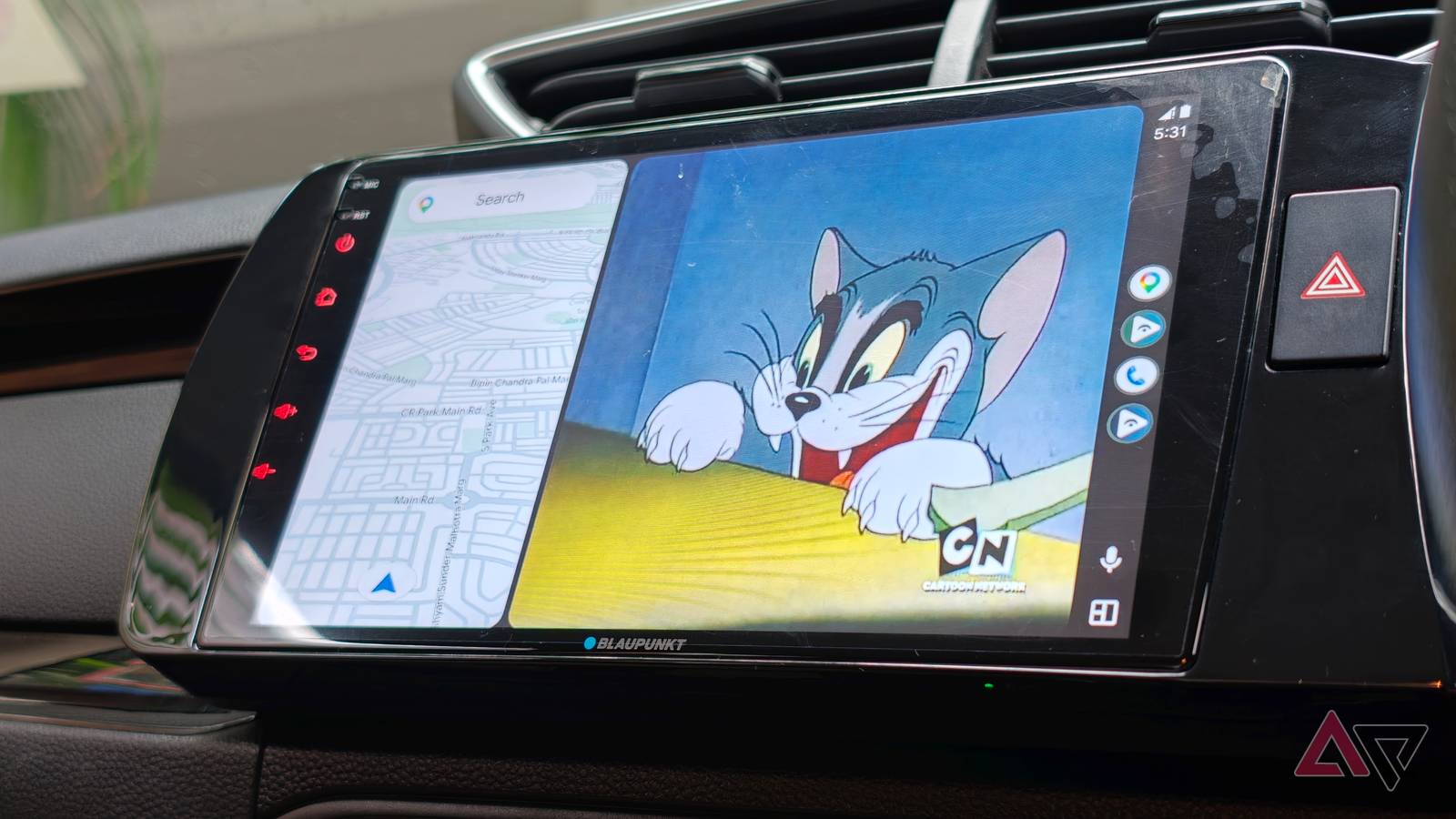
Android Auto has great basic functionality. Navigation, playing music, accessing your phone on the go, etc. all work well.
But if you push the functionality to video-centric entertainment, it falls apart. This is mainly by design, as it is designed with safety as a priority.
But there are also many times when you’re waiting in a parking lot when you’re picking someone up, or stuck in an hour-long traffic jam where a little entertainment wouldn’t hurt.
So I started looking for a solution to this problem. After all, there should be a way to watch videos using your car’s big screen. I found out something.
An open source app called Fermata Auto promises to do just that.
Yes, it’s a bit of a hassle to install, but once installed, it promises to power Android Auto and fill one of the biggest gaps in Google’s platform.
This allows you to play your own media on your car’s screen, as well as access YouTube, IPTV streams, and even a full-fledged browser.
While the usual precautions of prioritizing safety and not watching streaming services while driving apply, I have to say this has really changed my car’s entertainment system.
Add real utility to your car screen
Waiting becomes much less boring
-
credit: -
credit: -
credit: -
credit: -
credit:


-
credit: -
credit: -
credit: -
credit: -
credit:
We may not realize it, but most of us end up waiting in our cars for quite some time.
For example, the other day I spent nearly an hour outside the airport waiting for my flight to be delayed. On the other hand, I park when I arrive early for a meeting. And when you live in India, you have to consider the inevitable traffic jams.
Most of the time, I unlocked my phone and started browsing YouTube, even though I had a giant screen in front of me.
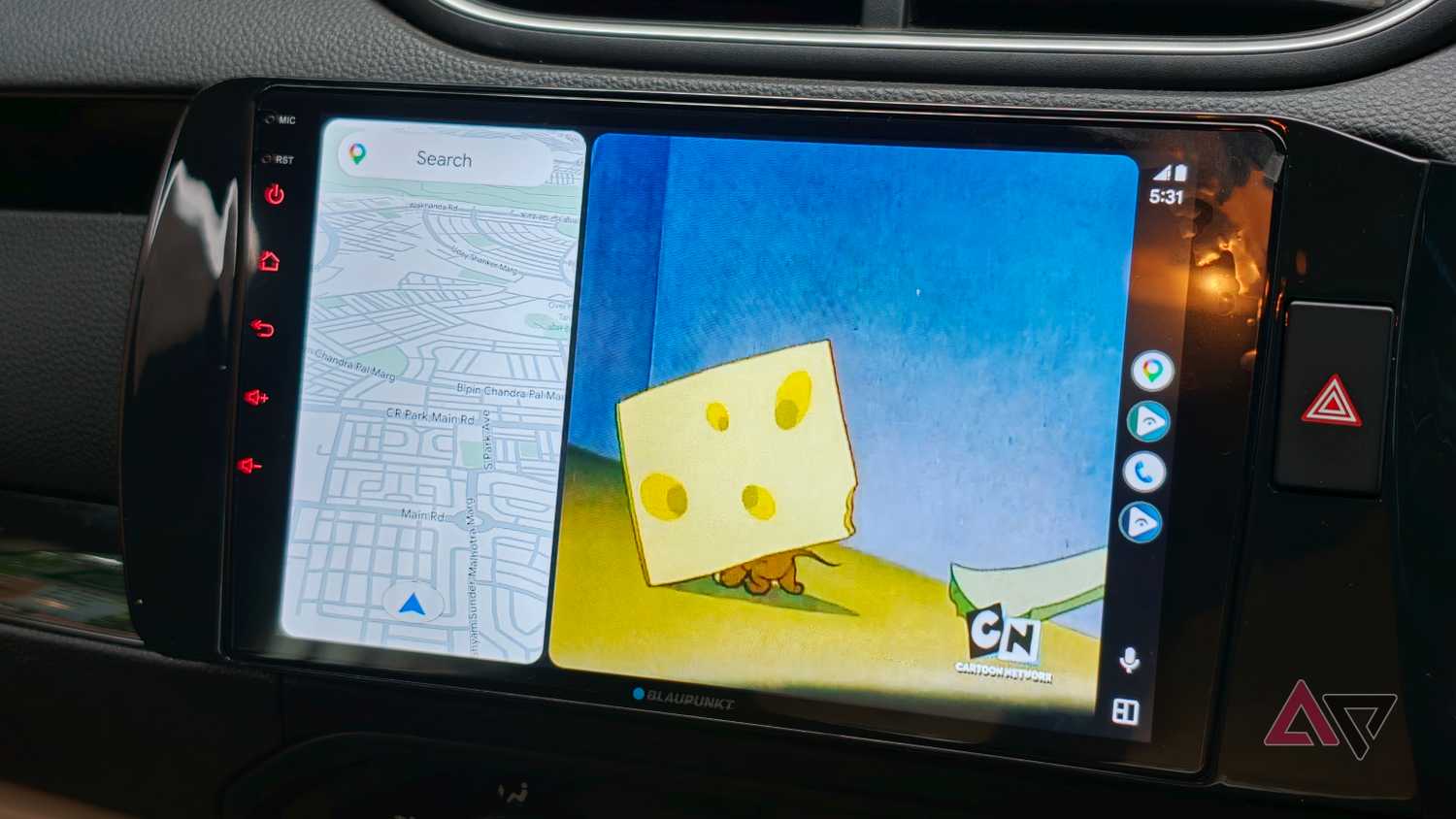
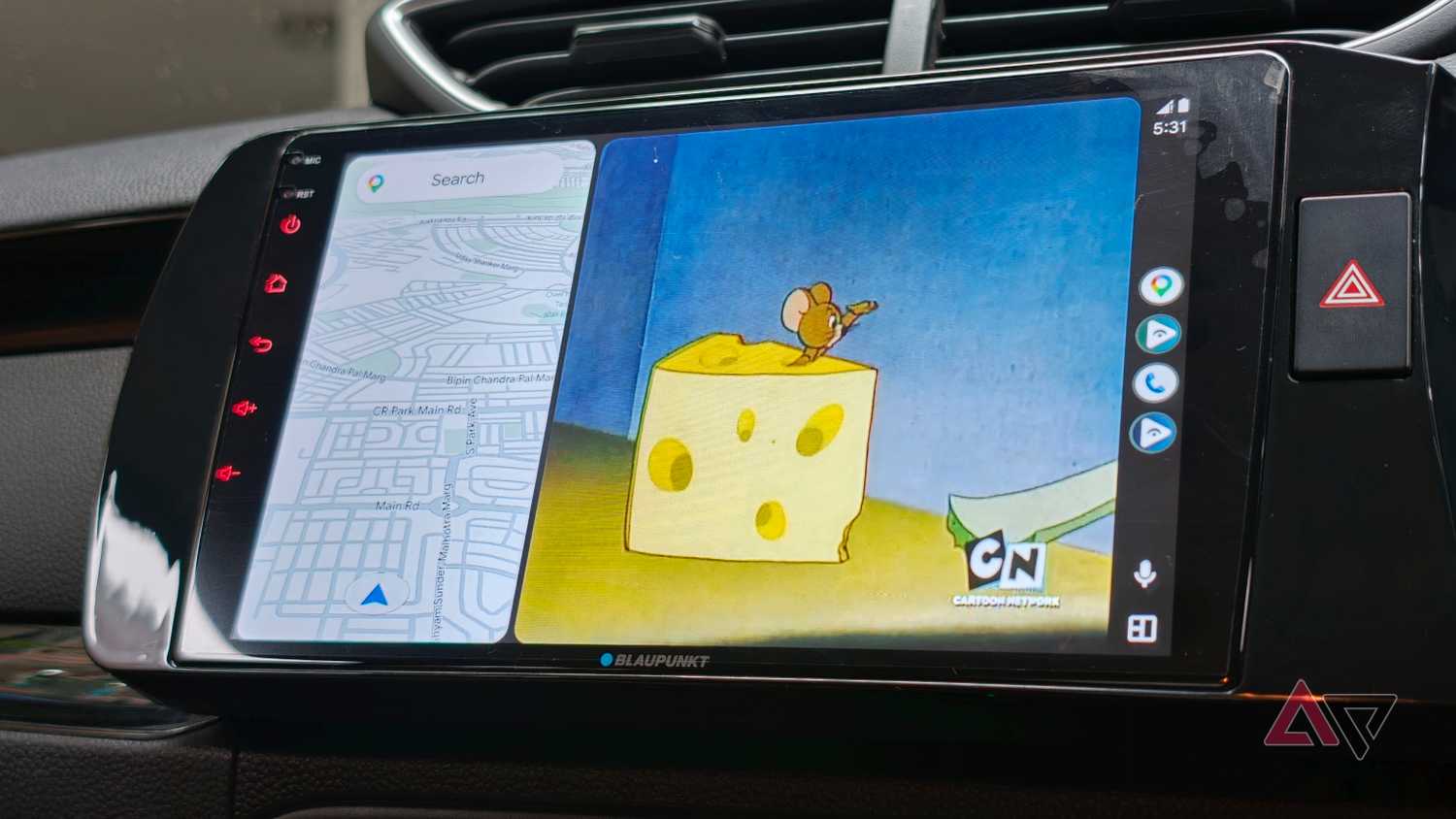
However, Android Auto doesn’t allow you to display video content on your car’s screen. That’s where Fermata Auto steps in.
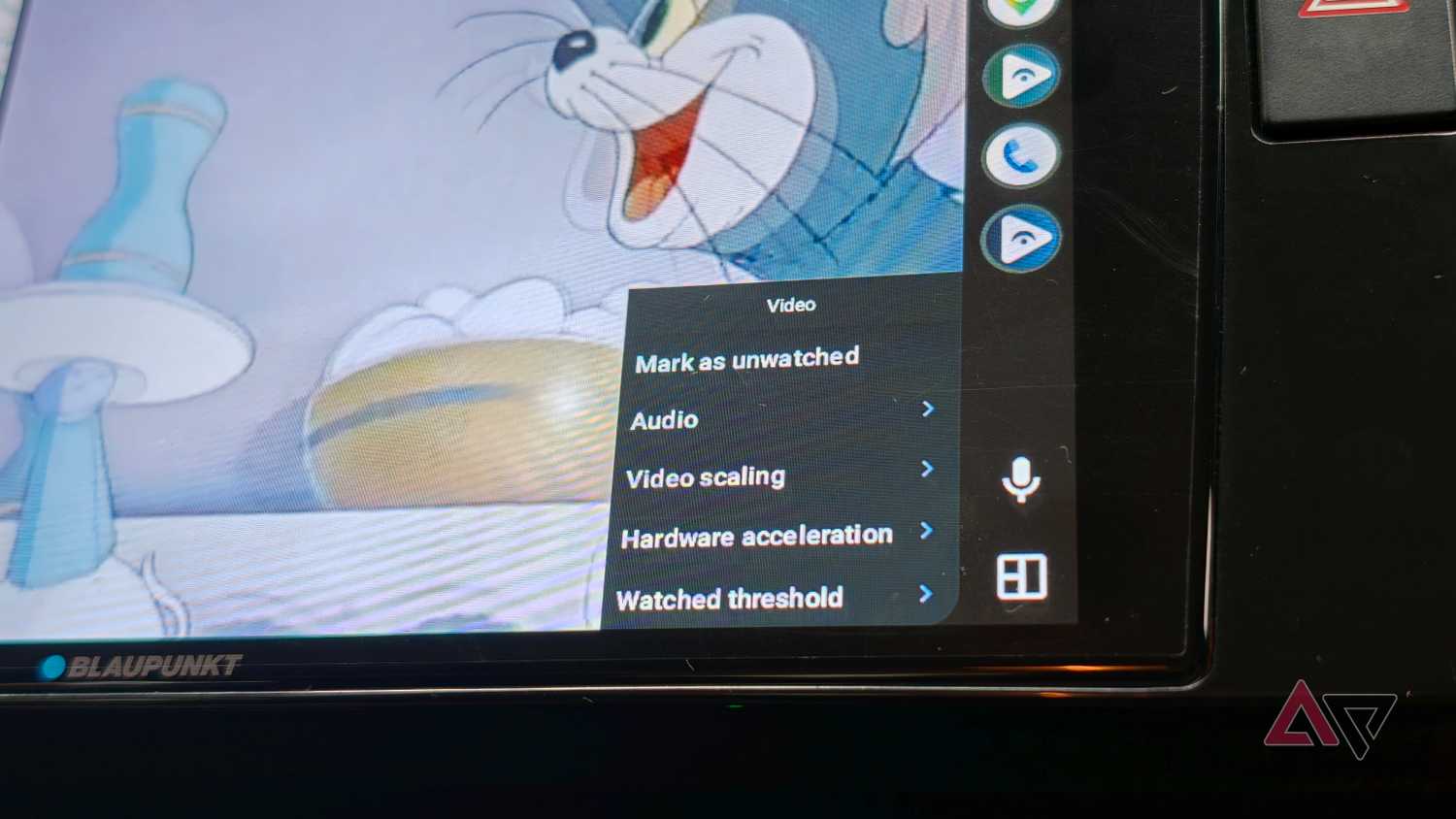
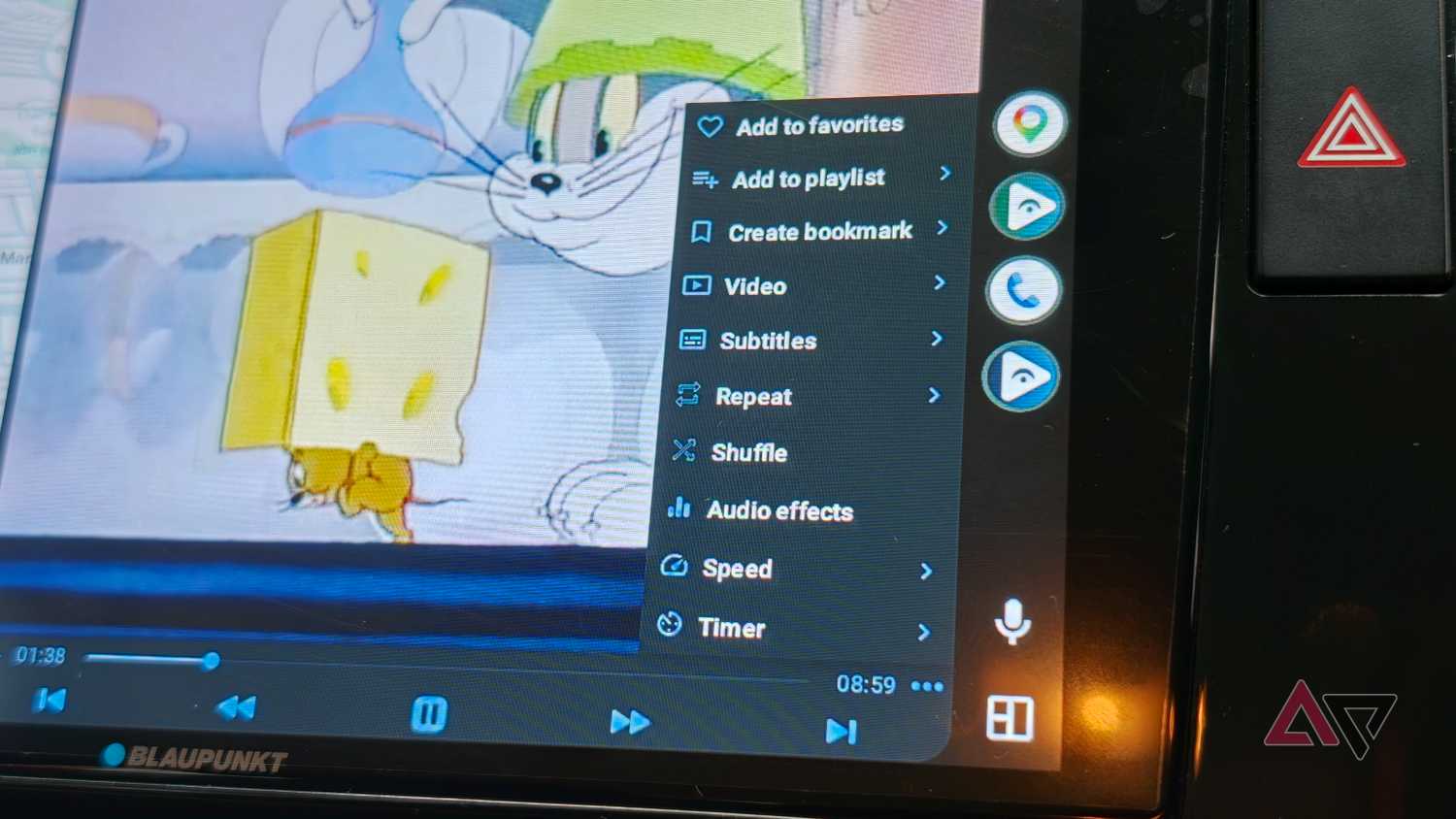
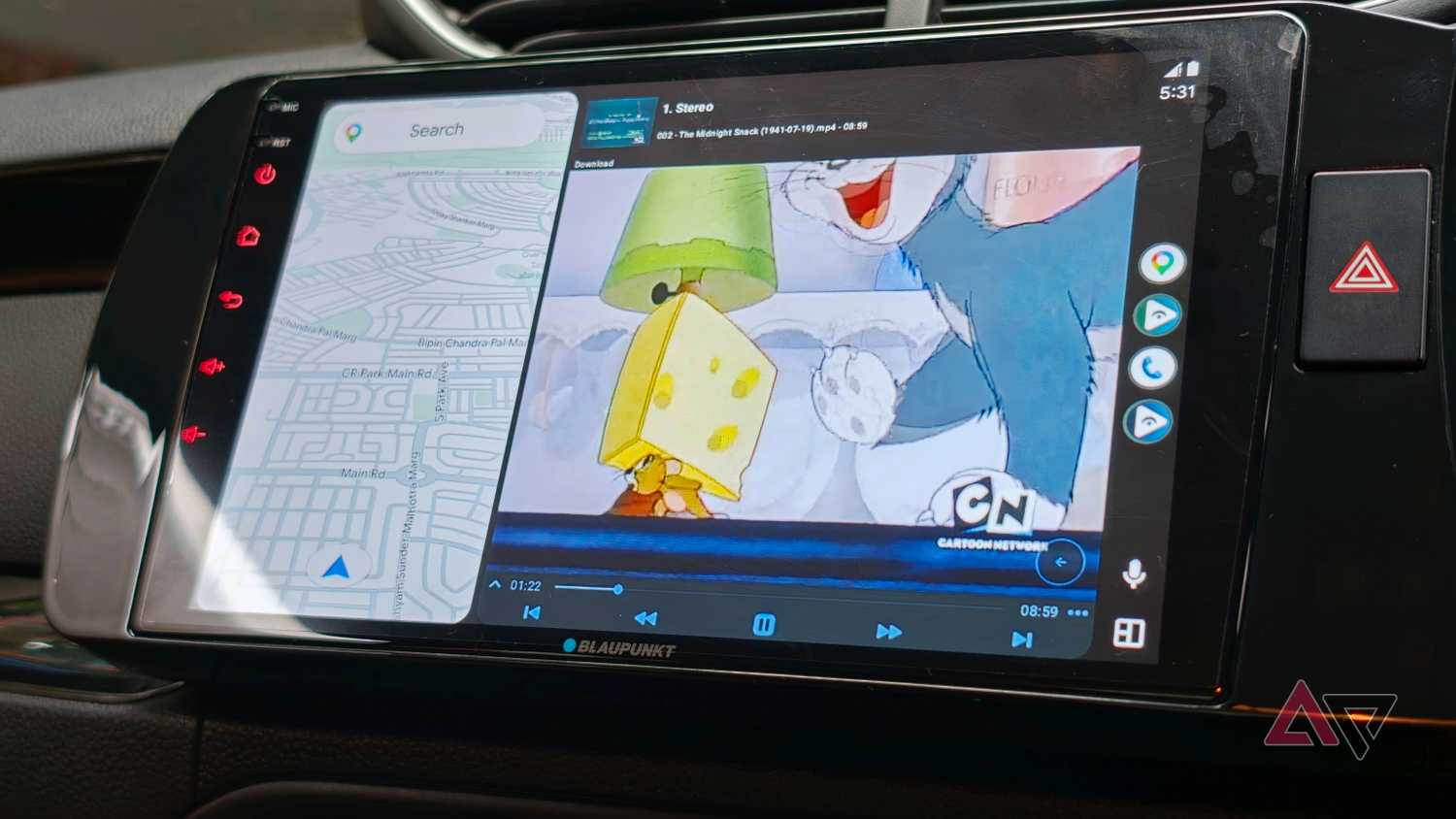
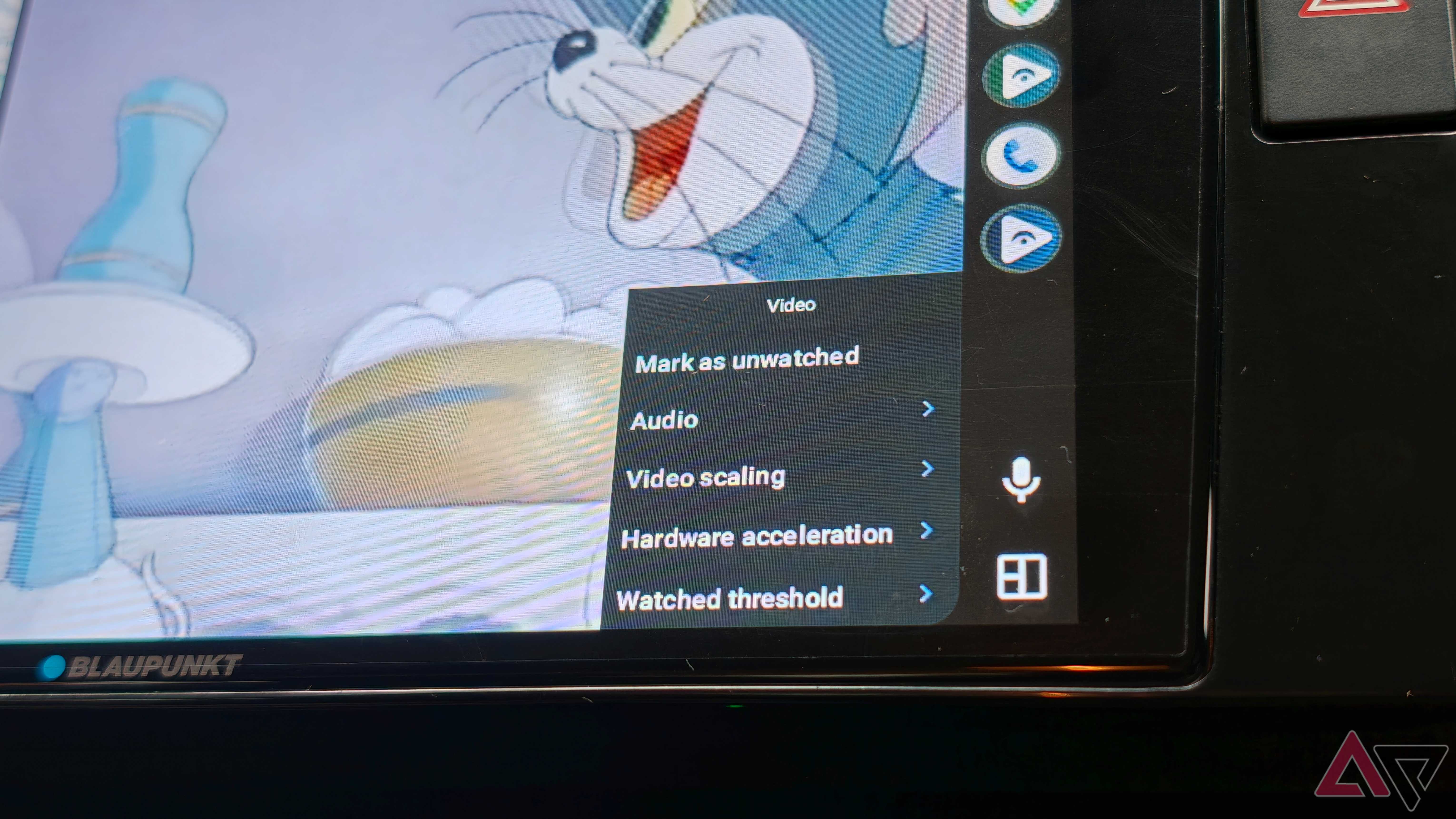
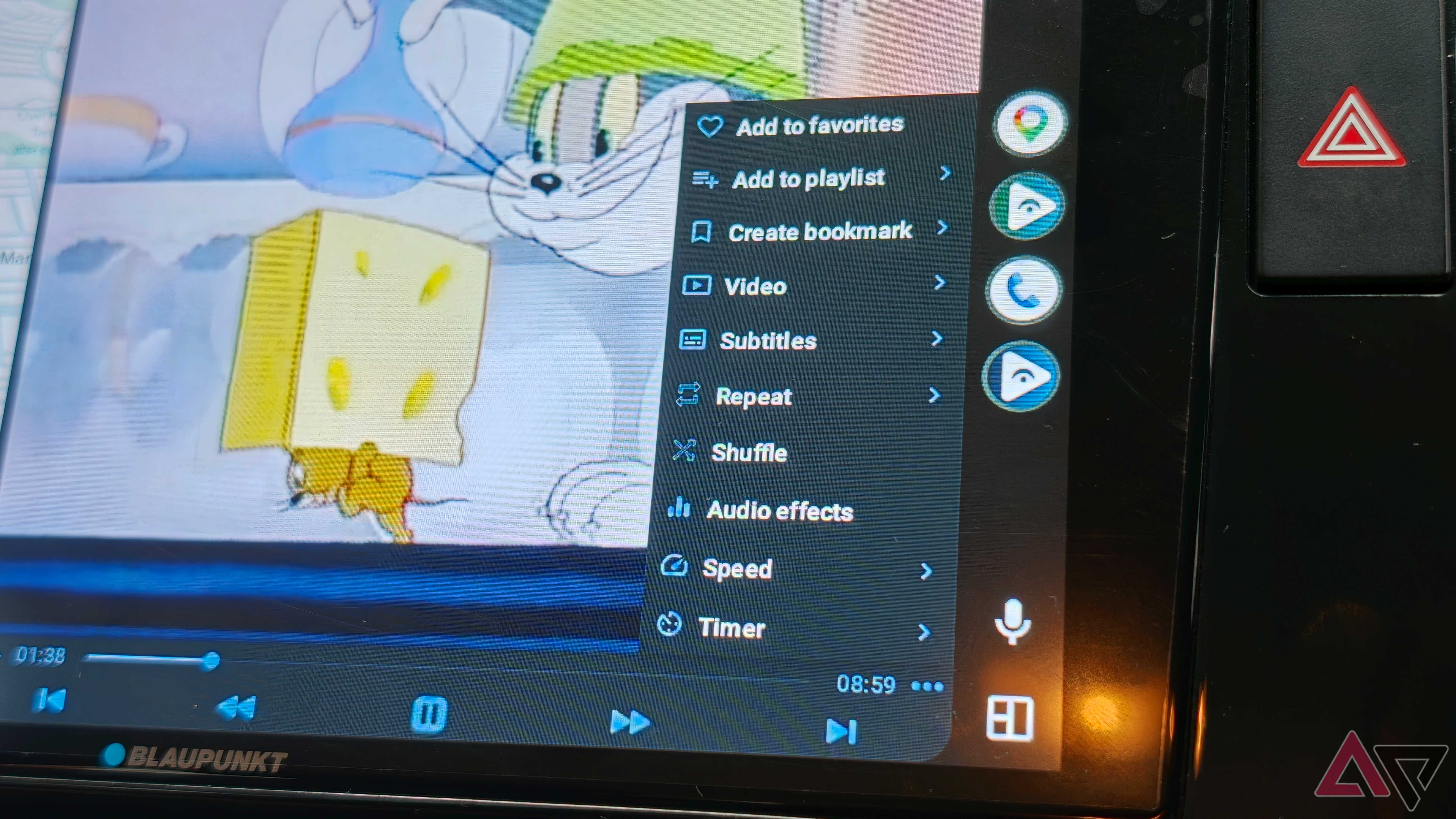
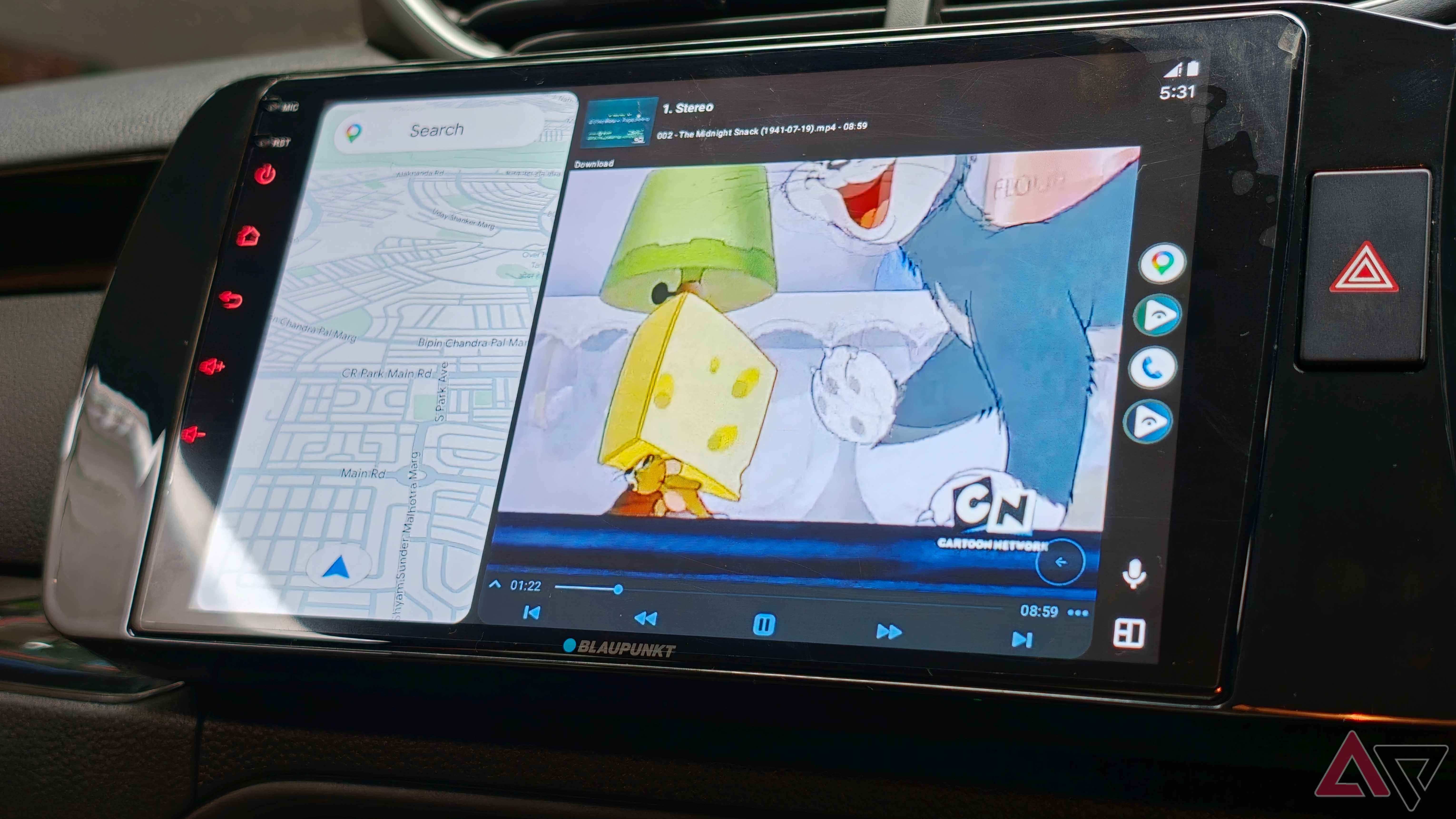
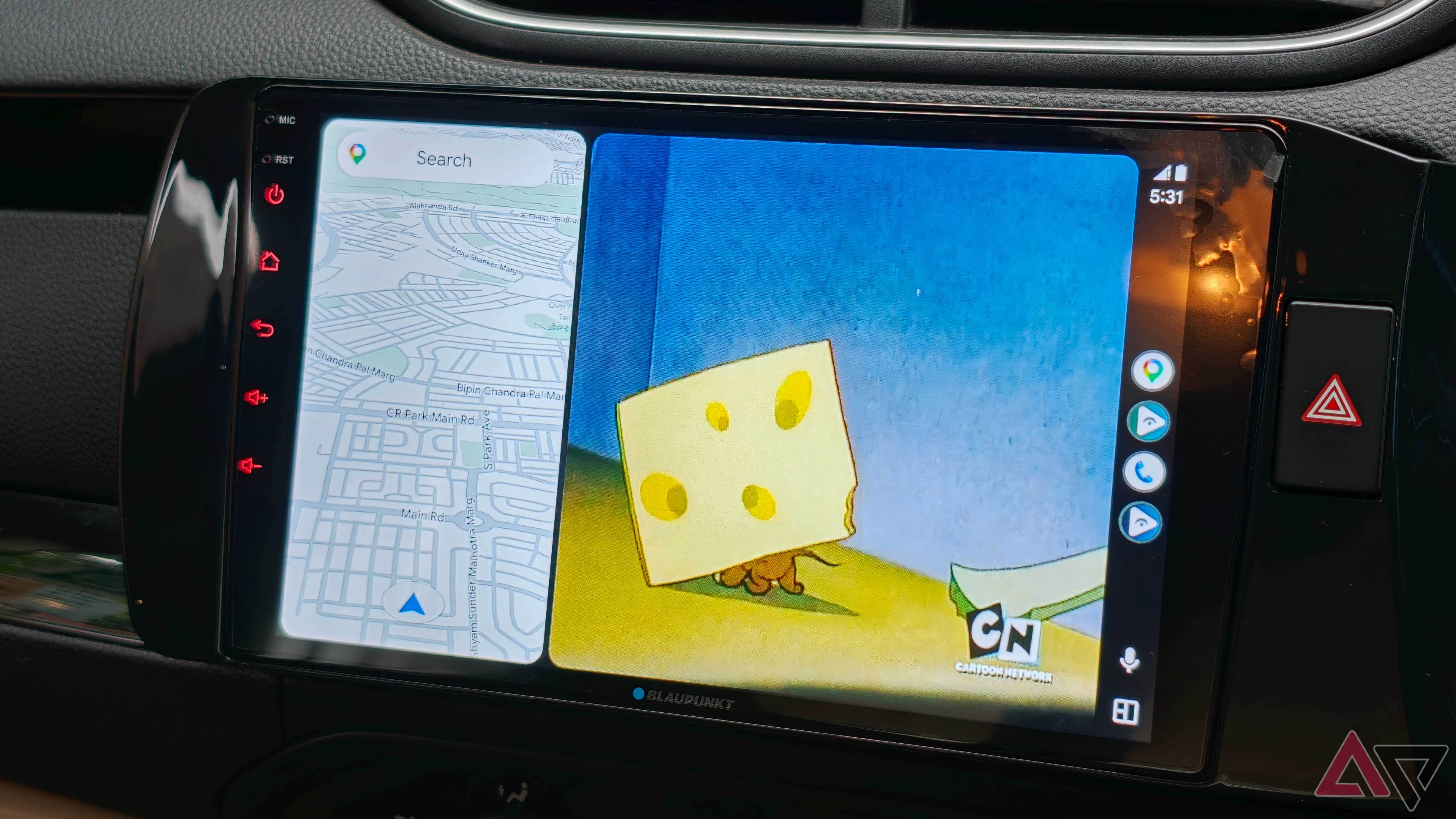
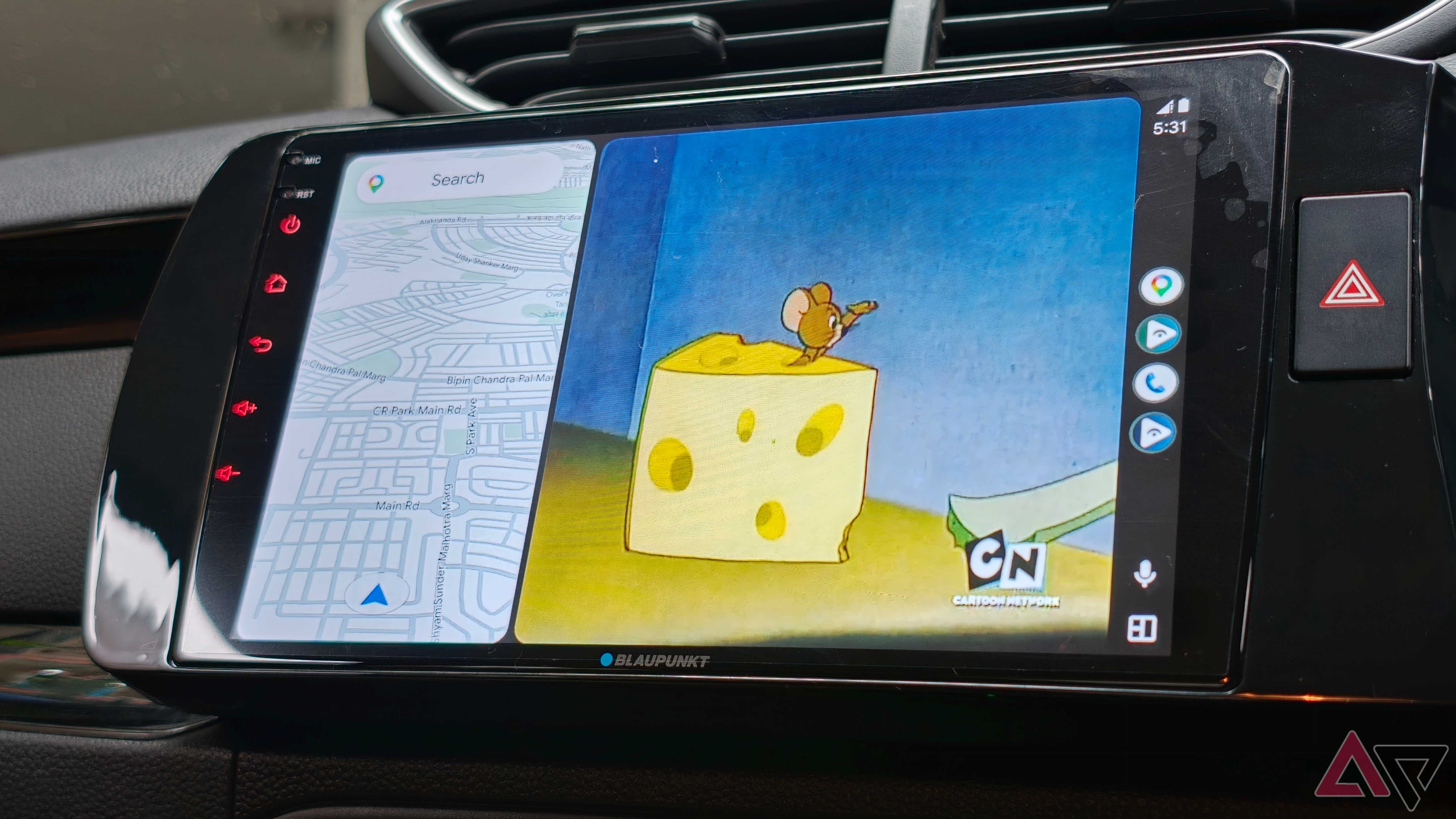
The app integrates with Android Auto and adds support for video playback.
Whether the content is stored locally on your phone or streamed over your network, you can even get an IPTV stream if you’re feeling particularly adventurous.
I often use YouTube. I watch a lot of podcasts, and having access to YouTube on my car display means I can search for the latest episode of StarTalk with Neil deGrasse Tyson and catch up on long drives.
It’s the kind of podcast where the visuals on the screen aren’t that important, so it’s not distracting.
This feature is very freeing, as it allows you to extract even more utility from what is already installed in your car.
Luxury cars are now equipped with passenger screens, and more than once I’ve used them to entertain my younger cousins and friends on long drives.
I keep a playlist of videos loaded on my phone and launch them via Fermata Auto on the car’s touchscreen.
More than just a streaming app
Amazingly polished Android Auto experience

IPTV support is useful for watching soccer spots on the go when viewing media in your browser. I’ve gotten amazing use out of the built-in browser.
To be clear, this browser is not a Chrome replacement, and you can’t use Google Sheets on your car’s entertainment screen.
However, I found it very useful for checking flight status and checking scores. I also use it to add extra cash to my car’s highway toll pass. Clever.
I can’t rely on it for serious work, but it can be used in an emergency, so I’m glad I can use it.
However, the best part is that all these features are integrated into a single experience. No need to switch between video apps, IPTV apps, streaming apps, and browsers.
The developers have done a great job of integrating these different features into one place.
Installing Fermata Auto is easy. Get the APK file from the GitHub page and install it like any other app.
You must enable developer mode in Android Auto to access the app on your car’s dashboard, but from then on it works like any other Android Auto app.
When used responsibly, Fermata Auto may be one of the best Android Auto apps I’ve used
That said, it’s important to remember that Google blocks video apps in Android Auto for a reason.
It’s dangerous for drivers to watch YouTube while driving. Fermata Auto enables this, but it is up to you to use it only in secure settings.
However, if used responsibly, it’s no different than looking at something on your phone while parked. All you have to do is make good use of the displays your car is already equipped with.
Fermata Auto is a free Android Auto app that adds video playback, IPTV, and web browsing support to your car’s Android Auto infotainment system.


