

A corrupted video file can be a disaster, especially if it contains precious memories. If your video won’t play, freezes during playback, displays an error message, is missing audio, or becomes inaccessible after transfer, there are several third-party video repair software tools available to help you recover your video. Choosing the right video repair software may be difficult, but don’t worry.
In this guide, we will review 5 best video repair tools to repair corrupted videos in 2026. Check out the features of these software tools and choose the one that best suits your needs.
Why does my video get corrupted?
Before using video repair software, it is important to understand the exact cause of video corruption. The main reasons why videos get corrupted are:
- System shuts down unexpectedly during recording or transfer.
- The file download was incomplete or the transfer was interrupted.
- Attacks by malicious programs such as viruses and malware.
- Storage device failure or bad sectors.
- An unexpected power outage occurred while transferring or saving the video.
- Unsupported editing or conversion process.
If your video gets corrupted due to any of the aforementioned reasons, it may not open, show a black screen, lose audio, freeze in the middle, or show codec-related errors.
Top 5 Video Repair Tools in 2026
Whatever the reason for your video corruption or damage, there are several video repair software tools that can analyze and reconstruct the damaged video structure to make it playable again. This section describes the best video repair tools to repair corrupted videos in 2026.
01: Video Stellar Repair
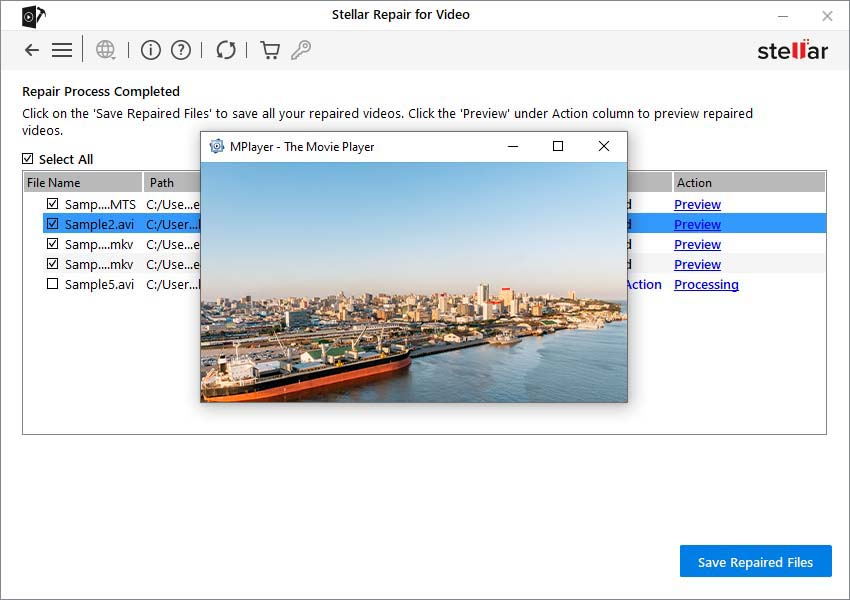
Stellar Repair for Video is all-in-one video repair software This allows you to easily repair severely corrupted video files. Easily repair corrupted videos taken from smartphones, DSLR cameras, drones, CCTV systems, action cameras, and professional recording equipment. This software can repair videos corrupted due to header corruption, audio and video sync issues, grainy playback, flickering, black screen, video freezing, etc. One of its outstanding features is the preview feature, which allows you to preview the repaired video file before recovering it.
Main features of Stellar Repair for Video:
- Supports repairing corrupted video files of popular file formats such as MP4, MOV, AVI, MKV, WMV.
- Repairs video files corrupted by audio and video sync issues or sound distortion issues.
- You can repair multiple corrupted videos at the same time using the batch repair feature.
- It also supports high resolution videos such as HD, Full HD, 4K, 6K, and 8K.
- Available for both Windows and macOS platforms with an intuitive interface.
- The preview feature of this software allows you to preview the repaired video file before saving it on your device.
Ideal for: Users looking for professional-level video repair with advanced recovery features.
02: Wonder Share Repair
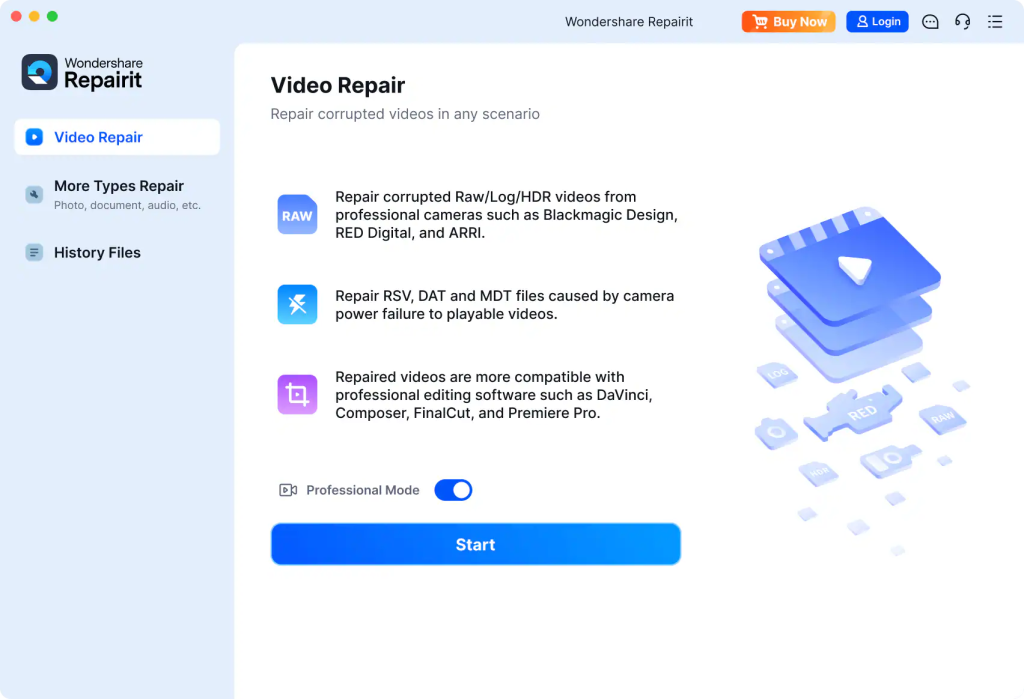
Wondershare Repairit is a popular video repair software designed to easily repair corrupt, damaged, or unplayable video files. This software allows you to repair corrupted video files of various file formats such as MP4, MOV, AVI, MKV, M4V, FLV, etc. This video repair tool is mainly known for its dual repair modes namely quick repair and advanced repair. Quick Repair efficiently handles minor video corruption issues, while Advanced Repair uses a healthy sample video from the same device to repair severely corrupted files. It also supports batch repair, allowing users to repair multiple videos at the same time and save their valuable time.
Main features:
- Repair corrupted, damaged, unplayable, or inaccessible videos caused by transfer errors, crashes, and storage issues.
- Supports video file repair of several popular video formats such as MP4, MOV, AVI, MKV, M4V, FLV, etc.
- It offers quick repair mode and advanced repair mode to handle both minor and severe video corruption.
- You can preview the repaired video before saving it to ensure that the recovered content meets the expected quality.
- Repair severely corrupted videos with high success rate using healthy sample video files.
Ideal for: Users looking for an all-in-one multimedia repair solution.
03: EaseUS Fixo Video Repair
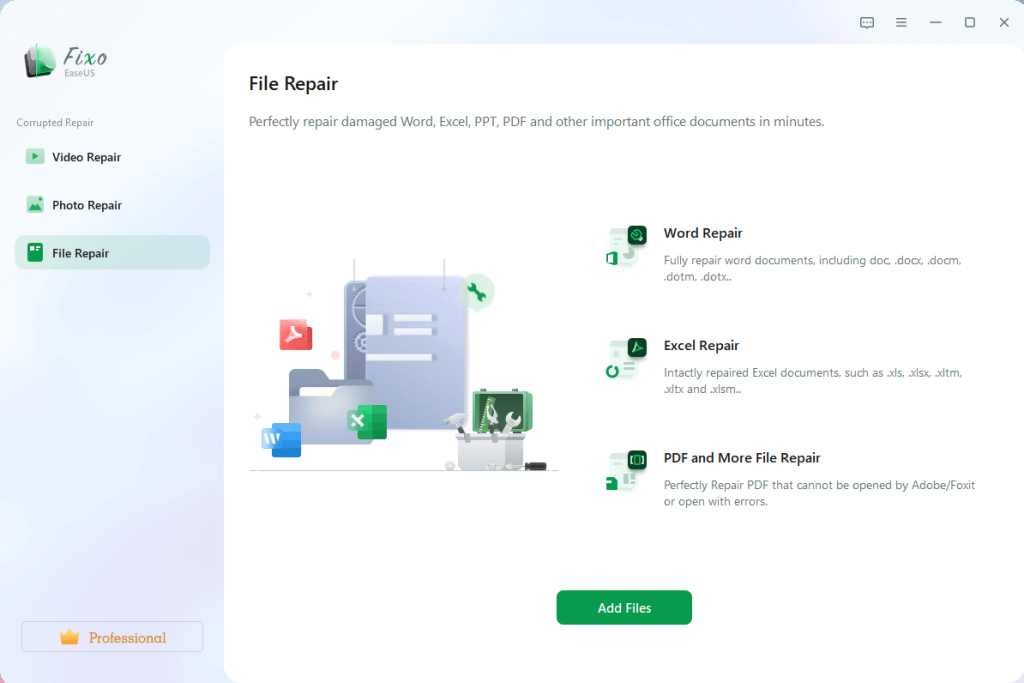
EaseUS Fixo Video Repair is a reliable video repair software designed to restore corrupted or corrupted video files of various file formats such as MP4, MOV, AVI, MKV, FLV, M2TS, etc. This software helps you fix videos captured from smartphones, digital cameras, drones, action cameras, and other recording devices. This video repair tool uses an intuitive repair process that allows users to repair corrupt videos in just a few clicks. This user-friendly approach makes the software accessible to both beginners and experienced users. It also supports batch repair, allowing you to repair multiple corrupted videos at the same time.
Main features:
- Repairs corrupted, corrupted, inaccessible, or unplayable video files caused by crashes, interruptions, or storage failures.
- Supports multiple video formats including MP4, MOV, AVI, MKV, FLV, M2TS and other popular formats.
- You can batch repair multiple corrupted videos at the same time, saving time and improving repair efficiency.
- Preview feature allows you to check the quality of the repaired video file before saving it on your device.
- Easily process high-resolution videos such as HD, Full HD, 4K, and 8K recordings.
Ideal for: Home users and content creators who need easy video repair.
04: Kernel video repair
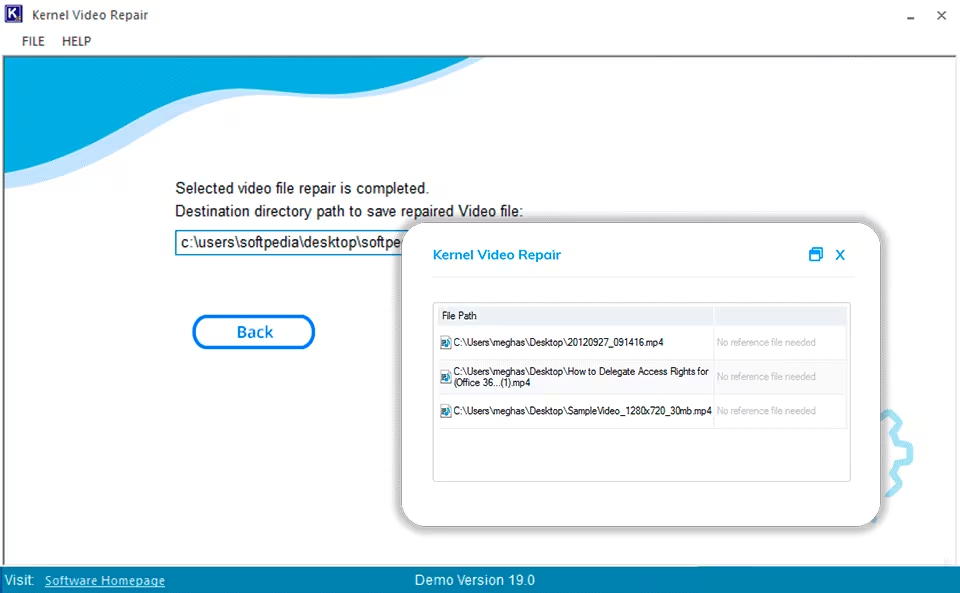
Kernel Video Repair is a specialized video repair software that can repair video files corrupted due to several reasons. No matter if your video gets corrupted due to storage device failure, file transfer interruption, sudden system crash, malware attack, recording interruption, etc., this is a reliable repair option that you can try. This tool supports repairing corrupted video files of multiple file formats such as MP4, MOV, AVI, MKV, MPEG, ASF, WMV. One of the notable features of this software is that you can preview the repaired video before saving it. This allows you to verify the repair results and ensure that the recovered video is as expected.
Main features:
- Repairs corrupted, corrupted, inaccessible, or unplayable video files that are affected by various corruption scenarios.
- Fix video playback issues like freezes, distortions, black screens, sync errors, etc.
- It supports repairing large video files without compromising repair accuracy or video quality.
- It has a simple and user-friendly interface that allows you to repair videos quickly without any technical expertise.
Ideal for: Users looking for a dedicated video repair tool without unnecessary extra features.
05: 4DDiG Video Repair
4DDiG Video Repair is a versatile video repair software designed to repair corrupt, damaged, broken or unplayable video files with minimal effort. This software can easily fix videos of various file formats including MP4, MOV, AVI, MKV, FLV, M2TS, etc. The repair process is simple. Just add the corrupted video, start the repair and preview the result before saving the recovered file. This tool is also known for its batch repair feature that allows you to repair multiple corrupted videos at the same time. 4DDiG Video Repair, available for both Windows and macOS, is well-known for its user-friendly interface and efficient repair features.
Main features:
- You can now batch repair multiple corrupted videos at the same time, increasing efficiency for large video collections.
- Supports videos recorded from smartphones, digital cameras, drones, action cameras, and surveillance systems.
- It provides a preview feature that allows you to check the repair result before saving the recovered video.
- Effectively handle high-resolution video files such as HD, Full HD, 4K, and 8K recordings.
Ideal for: Users who frequently work with high-definition video content.
final verdict
Video corruption can occur unexpectedly and can result in the loss of valuable memories, professional footage, or important recordings. Thanks to the aforementioned 5 best video repair tools, it will help you Repair corrupt video files without requiring advanced technical knowledge. Among the tools reviewed, Stellar Repair for Video stands out for its advanced repair features and high success rate in dealing with severely corrupted videos. However, the best choice depends on the severity of the corruption, the format you use, and the functionality you require. Take a close look at the features of the tools above and choose the one that best suits your needs.



