
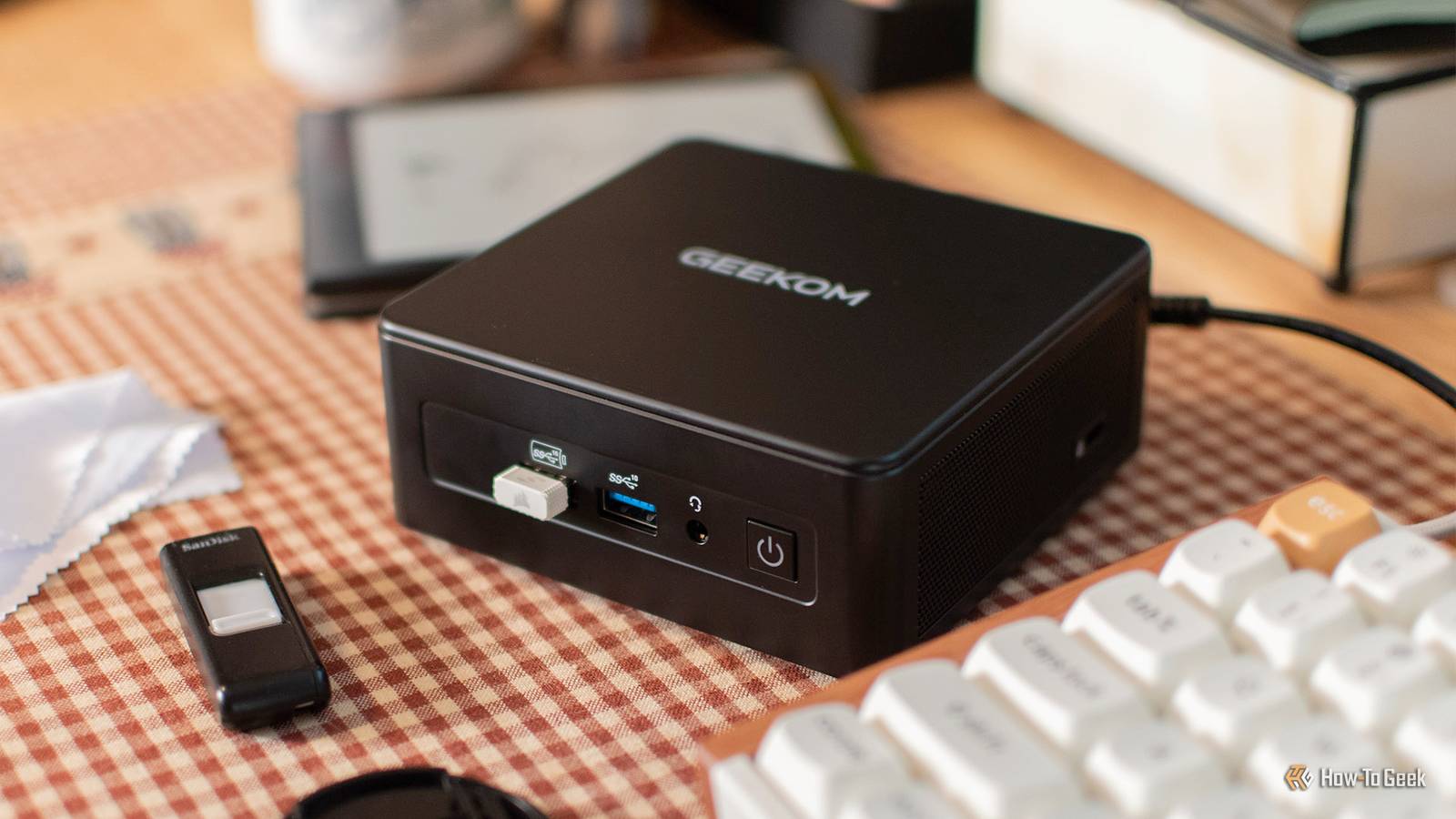
I have a Claude subscription and am using Gemini’s free tier. Both are very powerful tools that I use on a daily basis, but I also run a small local model on my small mini PC. I use this local LLM for almost all automation tasks. Despite its relative lack of power, it can offer features that Claude and Gemini cannot.
Claude, Gemini, ChatGPT have API costs
Even if you have a subscription, you still have to pay a usage fee.

One of the most frustrating things for me about paying for an AI subscription is that many use cases don’t get any use out of it. For example, if you want to generate a description of the person coming to your door or use your home assistant’s AI model as a conversational agent for your voice assistant, you need to use an API.
Unfortunately, API calls are not covered by most AI subscriptions. Even if you pay for Claude’s monthly plan, if you use the Anthropic API for Home Assistant’s AI tasks, you will have to pay additional API fees.
The advantage of local LLM is that there are no subscription or API costs. Everything runs free on my local hardware. This means you don’t have to worry about shelling out big bucks in API fees or the frustration of paying twice to use what is essentially the same service.
Local LLM keeps things private
No need to share sensitive data with third parties
This is one of the biggest reasons why my local LLM is used more often than Claude or Gemini. All messages you send to our cloud-based AI chatbot are sent to the cloud for processing, so all of that data is stored on third-party servers. Messages you type in chat fields but don’t actually send can be sent to these servers, and these messages can contain sensitive data such as API keys, credit card information, personally identifiable information, and photos of you and your family.
With local LLM, you don’t have to worry about the highly accurate profiles that AI companies can build based on every interaction with a chatbot because everything stays on the local network. I use a local LLM to generate an audio morning briefing that includes information about the children and when they will be away from home. If your AI company experiences a data breach, you don’t want anyone to potentially have access to that data.
I finally found a local coding LLM that I actually want to use
Local AI coding assistants are now actually useful.
Not all AI requests are time-sensitive
Local LLM is slow, but not necessarily a problem
I’m running Ollama’s local LLM on a mini PC that doesn’t have a dedicated GPU and only has 16 GB of RAM. I also sometimes run a local model on my M2 MacBook Air. We used open source tools to find the best model that our hardware could support. These models are fairly small local models and generate responses very slowly.
There are many use cases where this is not an issue. For example, my morning briefing automation takes about 15 minutes to run from start to finish. Get relevant information from other sources such as calendars and local weather and combine it into a written briefing using your local LLM. It then converts the text to speech using a local Text-to-Speech (TTS) engine.
The automation is set to run automatically every day at 5am, so the fact that it takes a very long time to complete is not a problem. This means that by the time we wake up and head to the kitchen for breakfast, the audio has already been generated and will play the moment we walk into the kitchen.
Local LLM puts you in control
I will not be at the mercy of AI companies.

Another reason I prefer using a small, local LLM over relying on Claude or Gemini is that when you’re using a cloud-based service, you’re completely at the mercy of the AI provider. If that company decides to nerf my favorite model or makes a questionable decision, there’s little I can do about it.
Local LLM gives you control over the model you use, and you can change it whenever you want. You don’t have to worry about models becoming obsolete. These models are stored on your own hardware, so they won’t suddenly disappear. If it suddenly turns out that the company behind the model is secretly evil, I can easily change to a less problematic model.
Even a modest local LLM can be very useful
When I first tried running local LLM on my mini PC, I was disappointed by the limited model size and how slow these models ran. However, we quickly realized that we could do a lot with smaller, local AI models, as long as time wasn’t a critical issue. My local LLM is now the backbone of the automation I use most every day.


