Adobe updates its Firefly AI assistant and adds it to Premiere, Illustrator, InDesign, and Frame.io.
The company has given Assistant new features for creating brand kits, product videos, and storyboards. Additionally, Firefly apps now allow you to save anything you create as an element that can be used across projects.

In Premiere, users can use the AI assistant to sort assets into bins, bulk rename clips, identify interview questions, add markers, and more. Illustrator also lets the assistant rearrange layers throughout your document, check for missing fonts, and more.
Firefly is already available in Express, Photoshop, and Acrobat, and is supported by ChatGPT, Claude, and Copilot. Adobe said it plans to add support for Google Gemini and Slack in the near future.
Firefly update
Adobe is slowly transforming Firefly to resemble Canva, at least when it comes to AI features, by loading the app with AI tools that can generate images, videos, and storyboards. The company is currently adding a new feature called Elements that allows you to save AI-generated characters, objects, and locations for later use.
Firefly also adds a project feature that lets you store existing assets in one place and share context. This could be useful for teams creating video series or brand campaigns. Both of these features are currently available in private beta.

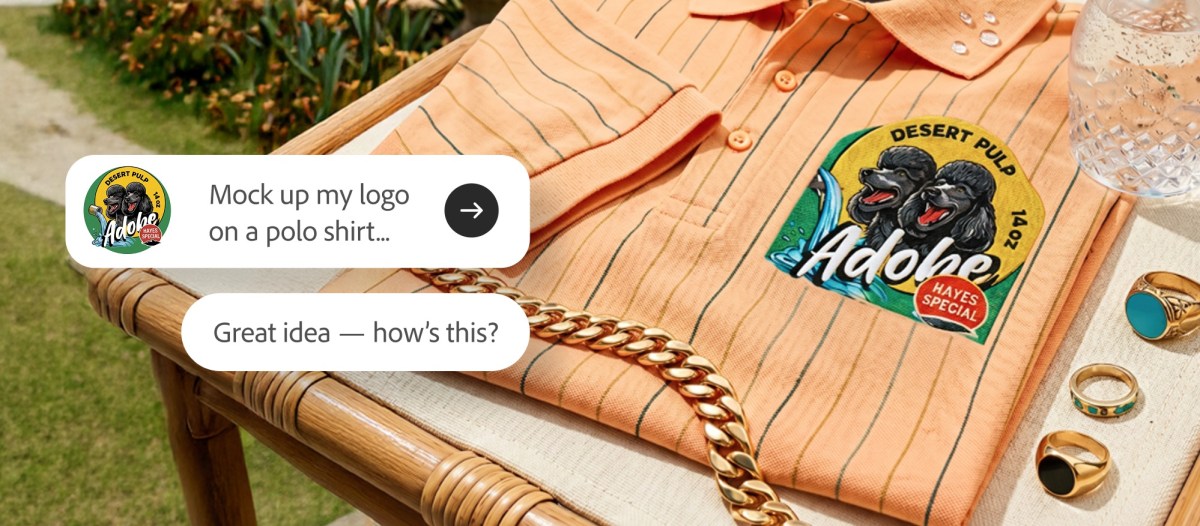
The company says users can also use Firefly to describe their brand and its style, upload existing materials to generate brand kits with logos, brand identities, and color palettes, or generate product videos from photos. Users can also create storyboards and create videos.
Adobe is hard at work adding AI across its apps, and is also working on an AI assistant that will work throughout the app. The idea is to use AI to automate some of the tool usage within apps that previously required several steps.
If you buy through links in our articles, we may earn a small commission. This does not affect editorial independence.