
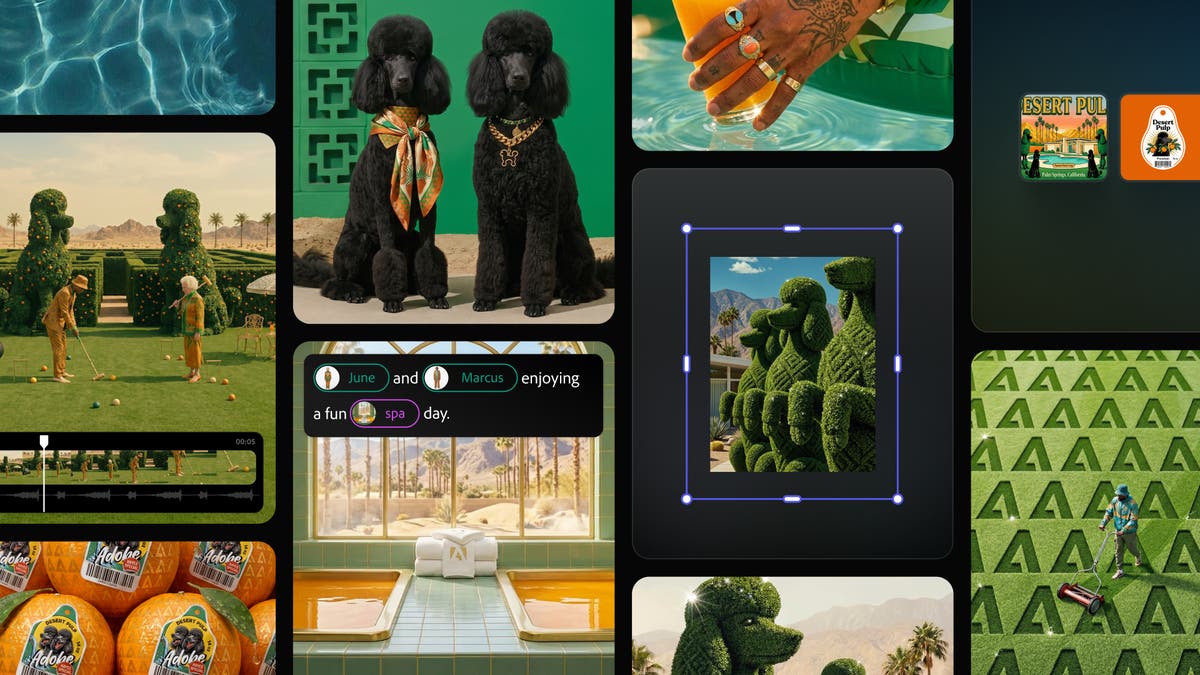
Firefly Creative AI Studio: From idea to finished content in one seamless workflow
Adobe Firefly gives all creators the speed, control, and creative freedom to go from idea to high-quality content. Today, Adobe is previewing an upgraded Firefly Creative AI Studio experience that connects production and editing in one place. This allows creators to seamlessly transition their projects from ideation to creation and production without interrupting their flow.
Currently in private beta, the upgraded Firefly Creative AI Studio experience is designed to provide creators with persistent context, reusable assets, and organized workflows to maintain continuity, style, and creative vision at every stage of production and across any iteration or format.
- element: Created characters, locations, and objects can be saved and reused across generations, ensuring consistency at scale as your stories, campaigns, and projects evolve in Firefly.
- project: Keep your assets, generations, and creative context organized across Firefly and Creative Cloud, making it easy to pick up where you left off and build on previous work.
The announcement comes as creative AI becomes central to the work of creators. According to Adobe’s recent Creators’ Toolkit Report, which surveyed more than 16,000 creators around the world, 75% of creators say creative AI is integrated or essential to their work, but 85% also say the final creative decision should always be theirs. This is a core principle of how Adobe builds its creative agency.
Adobe brings Creative Agent to Creative Cloud apps
Adobe is bringing an AI assistant powered by Adobe’s Creative Agent to category-leading Creative Cloud apps, including Premiere, Photoshop, Illustrator, InDesign, Frame.io, and more in public beta. Creative Agent powers AI assistants in each application and orchestrates multi-step workflows to help creative professionals stay focused on their work. This means you can choose what to give to your assistant, what to own, and how best to apply your preferences, expertise, and judgment to shape all editable results.
The AI assistant in each Creative Cloud app acts as a specialist, enabling you to:
- Premiere release: It takes care of the tedious setup tasks for you, including sorting assets into bins, bulk renaming clips, identifying interview questions, adding markers, and assembling starting points. AI assistants can help if you can do it in the project panel or timeline.
- Photoshop: Describe your desired results, such as replacing a background, resizing assets by platform, or organizing layers, and the Assistant runs through your composite, applying intelligent adjustments that you can continue to refine.
- Illustrator: Ask your AI assistant to help you with multi-step production jobs, such as generating 50 versioned files from a spreadsheet, reorganizing layers throughout your document, and running preflight checks that flag color mode errors and missing fonts before printing.
- InDesign: Drop in a new branded PDF or open an existing template, and the assistant applies updates to all layouts, including copying, styling, and print-readiness checks.
- frame.Io: Provide creative direction and the AI assistant will help organize your shooting assets, surface feedback between revisions, and generate B-roll all within your project.
AI Assistant is available in private beta for After Effects, and Adobe is working to extend its agent capabilities to other Creative Cloud apps to enable more photo, video, and motion design workflows.
Today’s announcement builds on Adobe’s strategy to bring pro-grade creative tools to where people already work, making it easy for people to create outstanding content wherever inspiration strikes. In addition to applications, Adobe’s tools are available on numerous third-party platforms used by hundreds of millions of users around the world, including OpenAI’s ChatGPT, Anthropic’s Claude, and Microsoft 365 Copilot. Adobe also recently announced plans to bring its connectors to Google Gemini and Slack, further expanding the reach of creative tools across the AI ecosystem.
Price and availability
The latest features of Firefly’s AI Assistant (Beta) are now available in the Firefly web app. The upgraded Firefly Creative AI Studio experience, including a unified generation and editing space, Elements and Projects functionality, is available in private beta through a waitlist. See the blog post for more information.
AI Assistant is currently available in public beta in Premiere, Photoshop, Illustrator, Frame.io, and InDesign. AI Assistant is available in After Effects private beta. See the blog post for more information.


