
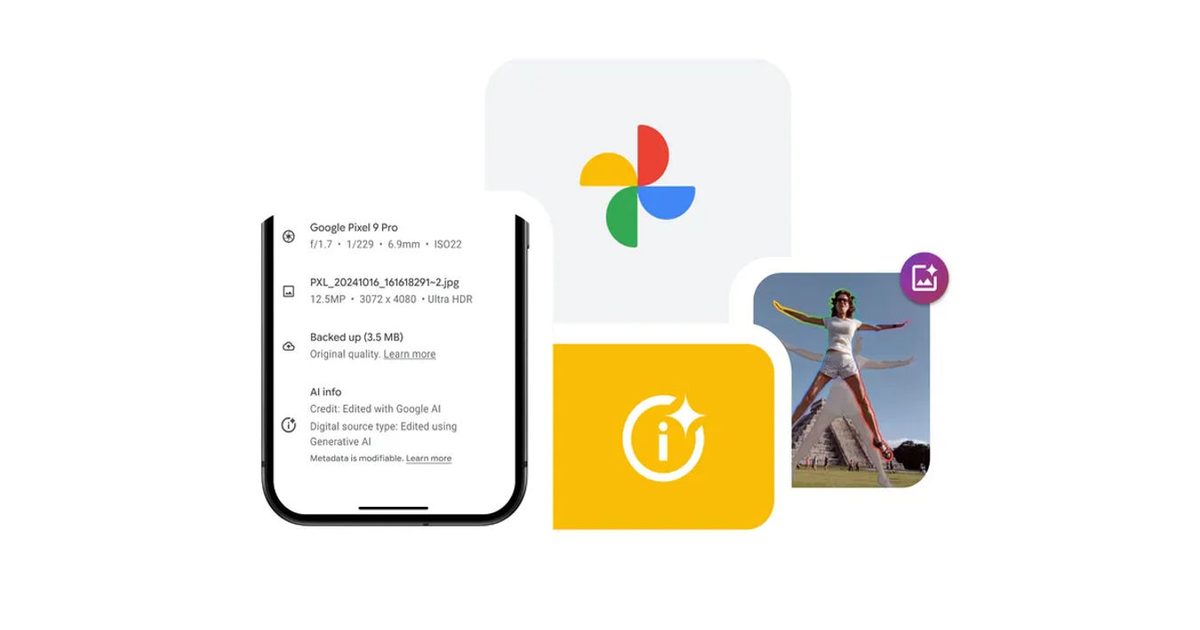
Google Photos is introducing an Android update focused on faster editing and improved video controls. The changes center around a one-tap AI editing option and a long-requested playback speed setting, both of which are now available.
This update adds an “AI Enhance” button built to streamline photo editing. Instead of juggling multiple sliders, apply automatic changes to lighting and contrast with a single tap, reducing manual adjustments while improving image quality.

It also adds a video speed option to the app, allowing users to control the playback speed of clips without leaving Google Photos. This extends the app beyond storage into more capable viewing and editing tools.
Availability varies by device and region, so not all users will have both features available at the same time.
Replace manual adjustments with one-tap editing
AI Enhance works like a built-in shortcut for quick editing. Rather than having to juggle multiple controls, lighting and contrast adjustments are automatically applied within the editor, shifting the focus from manual precision to consistent results.
It’s also available to Android users around the world, making it one of the more direct parts of this update. The tradeoff is control, as the system makes decisions that don’t necessarily match more detailed editing settings.
Video control catches up
For video, we’ve added a long-missing option. The menu within each clip includes playback speed settings that can range from 0.25x to 2x.
This brings Google Photos closer to a dedicated video app with speed throttling included as standard. It also gives you more flexibility in reviewing clips, such as slowing down long recordings or moving them around quickly.
The early availability suggests a gradual rollout rather than a full global release right away.
Rollout timing and what to expect
The two updates arrive at different speeds. While AI Enhance is positioned as a broad release across Android, the video playback feature is still in its infancy, with limited functionality available so far.
This staggered approach means some devices will get photo updates first, followed by video controls as the deployment expands. Device differences can affect when a feature appears and how the feature performs.
The direction is clear. Faster editing and more flexible playback are built within Google Photos, reducing the need for separate apps as your deployment progresses.

