
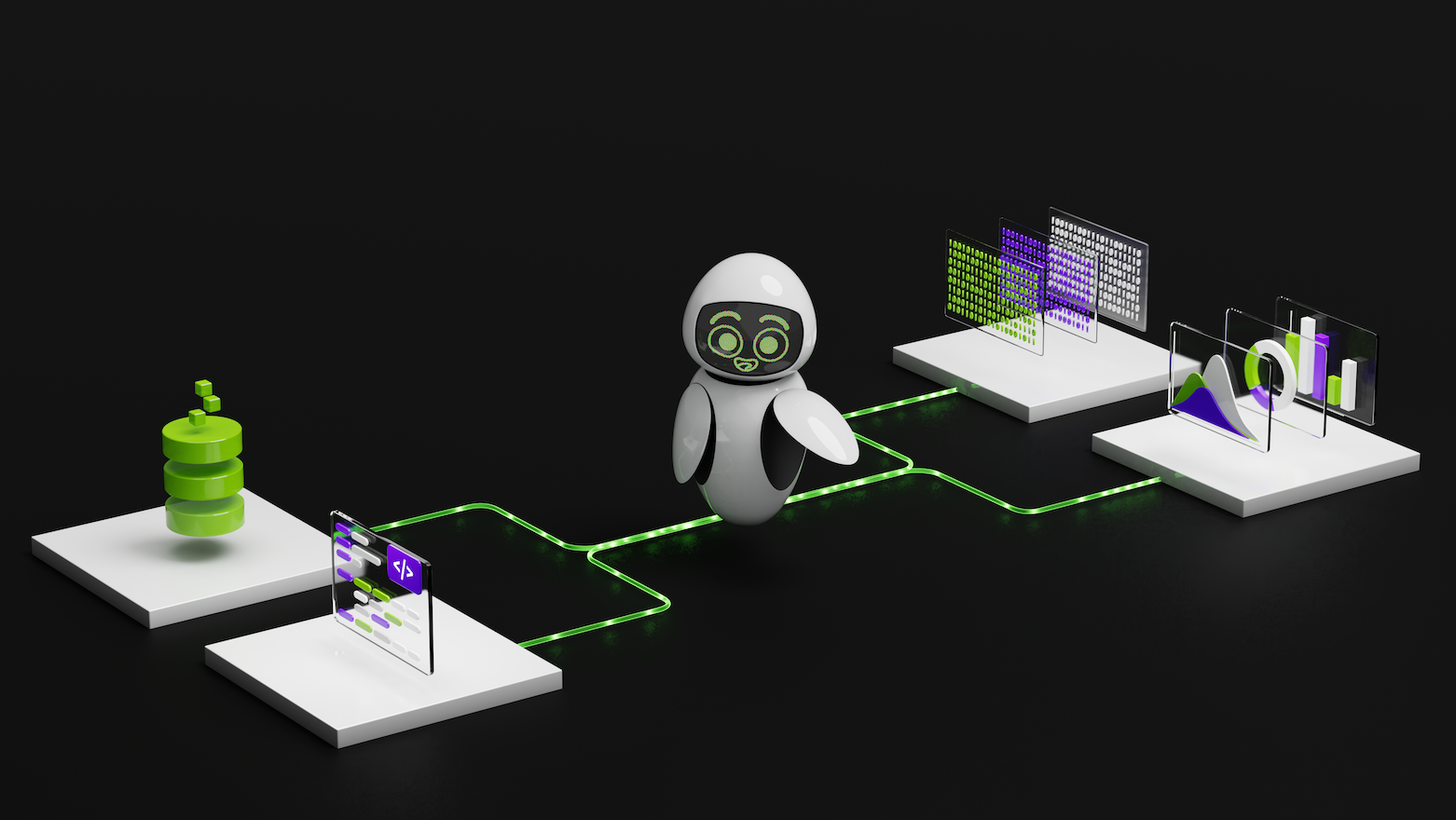
Data scientists spend a lot of time cleaning and preparing large unstructured datasets before starting analysis, often requiring strong programming and statistical expertise. Feature engineering, model tuning, and managing consistency across workflows can be complex and error-prone. These challenges are further amplified by the slow and sequential nature of CPU-based ML workflows, making experimentation and iteration highly inefficient.
Accelerated Data Science ML Agent
We prototyped a data science agent that can interpret user intent and orchestrate repetitive tasks within ML workflows to simplify data science and ML experimentation. GPU acceleration allows agents to process datasets with millions of samples using the NVIDIA CUDA-X data science library. Introducing NVIDIA Nemotron Nano-9B-v2, a compact and powerful open source language model designed to transform data scientists’ intent into optimized workflows.
This setup allows developers to explore large datasets, train models, and evaluate results simply by chatting with an agent. It bridges the gap between natural language and high-performance computing, enabling users to gain business insights from raw data in minutes. We encourage you to use this as a starting point and build your own agent with a variety of LLMs, tools, and storage solutions tailored to your specific needs. Check out the Python script for this agent on GitHub.
Orchestrate data science agents
The agent’s architecture is designed for modularity, scalability, and GPU acceleration. It consists of five core layers and one temporary data store that work together to transform natural language prompts into executables, data processing, and ML workflows. Figure 1 shows a high-level workflow showing how each layer interacts.

Let’s take a closer look at how the layers work together.
Layer 1: User Interface
The user interface was developed using a Streamlit-based conversational chatbot to allow users to interact with agents in plain English.
Layer 2: Agent Orchestrator
It is a central controller that works with all layers. It interprets user prompts, delegates execution to LLM to understand intent, invokes appropriate GPU-accelerated functionality from the tooling layer, and responds in natural language. Each orchestrator method is a lightweight wrapper around a GPU function. for example, _describe_data Inside the user query call basic_eda()meanwhile _optimize_ridge Inside the user query call optimize_ridge_regression().

Layer 3: LLM layer
The LLM layer acts as the agent’s inference engine and initializes the language model client to communicate with the Nemotron Nano 9B-v2 using the NVIDIA NIM API. This layer allows agents to interpret natural language inputs and transform them into structured executable actions through four key mechanisms: LLM models, retry strategies for resilient communication, function calls for structured tool calls, and function call windows.
- LLM model
The architecture of the LLM layer is LLM-agnostic and works with any language model that supports function calls. For this application, we used the Nemotron Nano-9B-v2, which supports both function calls and advanced inference. Additionally, the model’s small size provides an optimal balance of efficiency and functionality, and it can be deployed on a single GPU for inference. It delivers up to 6x higher token generation throughput compared to other leading models in its size class, and its thought budget feature allows developers to control the number of “think” tokens used, reducing inference costs by up to 60%. This combination of outstanding performance and cost efficiency enables real-time, conversational workflows that are economically viable in production deployments. - Retry strategies for resilient communication
The LLM client implements an exponential backoff retry mechanism to handle temporary network failures and API rate limits, ensuring reliable communication even under adverse network conditions or high API loads. - Function calls for structured tool calls
Function calls bridge natural language and code execution by allowing LLM to translate user intent into structured tool calls in Agent Orchestrator. The agent defines the available tools using an OpenAI-compatible functional schema that specifies each tool’s name, purpose, parameters, and constraints. - function call window
Function calls transform LLM from a text generator to an inference engine capable of API orchestration. Nemotron Nano-9B-v2’s model provides a structured “API specification” of available tools to understand user intent, select the right function, extract the right type of parameters, and orchestrate multi-step data processing and ML operations. All of this is done through natural language, so you don’t need to understand API syntax or write any code.The complete function call flow shown in Figure 3 shows how natural language is translated into executable code. reference
chat_agent.pyandllm.pyScripts in GitHub code for the operations listed in Figure 3.

Layer 4: Memory layer
The memory layer (ExperimentStore) stores experiment metadata, including model configuration, performance metrics, and evaluation results such as accuracy and F1 score. This metadata is stored in a session-specific file in standard JSONL format and can be tracked and retrieved during a session using functions such as: get_recent_experiments() and show_history().
Layer 5: Temporary data storage
The temporary data storage layer contains session-specific output files (best_model.joblib and predictions.csv) are stored in your system’s temporary directory and user interface, and are available for immediate download and use. These files are automatically deleted when the agent shuts down.
Layer 6: Tool layer
The tools layer is the agent’s computational core and is responsible for performing data science functions such as data loading, exploratory data analysis (EDA), model training and evaluation, and hyperparameter optimization (HPO). The features selected for execution are based on the user’s query. Various optimization strategies are used, including:
-
Consistency and reproducibility
Agents use various abstraction methods. scikit-learn (a popular open-source library) to ensure consistent data preprocessing and model training across training, test, and production environments. This design prevents common ML pitfalls such as data leakage and inconsistent preprocessing by automatically applying the exact same transformations (imputation values, scaling parameters, encoding mappings) learned during training to all inference data. -
memory management
Use memory optimization strategies to process large datasets.Float32Conversion reduces memory usage, GPU memory management frees up active cache GPU memory, and dense output configurations are faster on the GPU compared to sparse formats. -
Executing a function
The tool execution agent uses the CUDA-X data science library, including: CUDF and cuML Achieve GPU-accelerated performance while maintaining the same syntax of pandas and scikit-learn. This zero-code-change speedup is achieved through Python’s module preloading mechanism, which allows developers to run existing CPU code on the GPU without refactoring. ofcudf.pandasAccelerators replace pandas operations with equivalent GPUs.cuml.accelAutomatically replace scikit-learn models with cuML’s GPU implementation.
The following command starts the Streamlit interface with GPU acceleration enabled for both the data processing and machine learning components.
python -m cudf.pandas -m cuml.accel -m streamlit run user_interface.py
Accelerate, modularize, and scale ML agents
The agent is built with a modular design and can be easily extended through new function calls, experiment stores, LLM integration, and other enhancements. Its hierarchical structure supports the incorporation of additional functionality over time. Includes out-of-the-box support for popular machine learning algorithms, exploratory data analysis (EDA), and hyperparameter optimization (HPO).
Using the CUDA-X data science library, agents accelerate data processing and machine learning workflows end-to-end. This GPU-based acceleration can deliver performance improvements of 3x to 43x depending on the specific operation. Table 1 shows the speedups achieved across several key tasks, including ML operations, data processing, and HPO.
| agent task | CPU (sec) | GPU (sec) | faster speed | detail |
| Classification ML task | 21,410 | 6,886 | ~3 times | Use Logistic Regression, Random Forest Classification, and Linear Support Vector Classification with 1 Million Samples |
| Regression ML task | 57,040 | 8,947 | ~6x | Using ridge regression, random forest regression, and linear support vector regression with 1 million samples |
| Optimizing hyperparameters for ML algorithms | 18,447 | 906 | ~20 times | cuBLAS-accelerated matrix operations (QR decomposition, SVD) dominate. Regularization passes are computed and used in parallel. |
Get started with Nemotron models and the CUDA-X data science library
Try using Nemotron models and the CUDA-X data science library. The open-source data science agent is available on GitHub and is ready to integrate with your datasets for end-to-end ML experiments. Download the agent and let us know what datasets you tried it on, how much faster it was, and what customizations you made.
learn more:


